
Display type for points on a map: icon and thumbnail
When you create a point list, you can choose the display type for your points on the map: icon or thumbnail.
The choice is made when assigning fields / mapping, during list creation.
At the bottom of the page, you can select your preferred option:

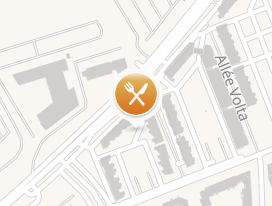
- Always display an icon:
- Click on "Choose" to add an icon from the existing list or upload your own file (JPEG, PNG format)
-
This icon will be displayed for all your points
📌 Note:
You can also assign different icons by category to differentiate your map's POIs at a glance based on a theme (type of location, type of audience...)
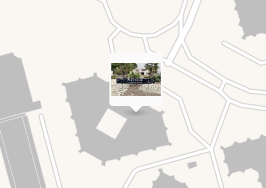
- Display a preview of photos or videos (= thumbnail):
-
If you have added an image / video to your point (during manual creation or in the "Image /Video" field during mapping via a connector), you can decide to display the thumbnail instead of the icon
-
