
Display your points at different zoom levels on the map
If you want to highlight certain points over others on your map, you have the option to configure display rules based on zoom level and tags.
This way, you can prioritize displaying the points you want to highlight, then zoom in to display secondary points.
⚠️ Prerequisites:
This operation requires having properly associated tags with your points beforehand, from your point list, during mapping.
🔎 Configuring point display based on zoom level
- Access your map
- Go to the map's "Formatting" menu
- Click on "Edit display rules", in "Point display rules", at the bottom of the page

A new window opens to edit the display rules:
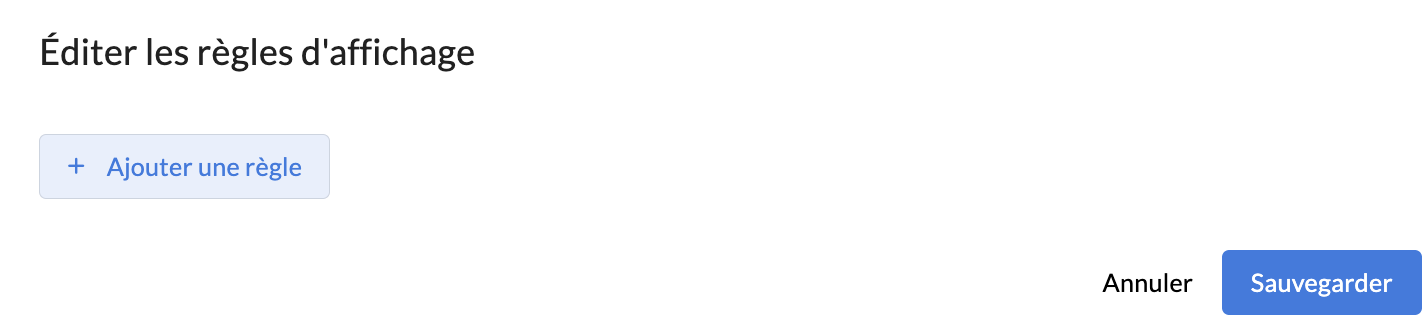
- Click on "Add a rule"
- Configure your display rule:
- Rule type: select "Search"
- Tags: add the tag(s) you want to link to this rule
- Filter logic: this parameter is useful if you have specified multiple tags in your rule.
- AND: the point will display on the map if it has all the associated tags.
- OR: the point will display if it has at least one of the associated tags.
- Minimum zoom: specify the smallest zoom level at which points should display (by default, it is set to 2).
- Maximum zoom: specify the largest zoom level at which points should display (by default, it is set to 18).

👉 Example: if I configure the tags "culture" and "sport" with "AND" filter logic and a minimum zoom of 10 / maximum of 14, only my points having both the "culture" AND "sport" tags will display on my map starting from zoom 10 and up to zoom 14. Before and after that, all my points will display.
With the "OR" filter, all my points having either the "culture" tag or the "sport" tag will display between zooms 10 and 14.
➕ Combining display rules
You can combine multiple rules and configure the display of points based on different criteria.
⚠️ Configuration criteria to follow:
- Zoom levels must not overlap between multiple "Search" type rules, otherwise points will not appear on the map:
- If rule 1 is configured with minimum zoom 2 / maximum 18 and rule 2 with minimum zoom 10 / maximum 18 (the 2 rules then share the same zoom levels between 10 and 18) = no points will display starting from zoom 10.
- If rule 1 is configured with minimum zoom 2 / maximum 10 and rule 2 with minimum zoom 10 / maximum 18 = the points meeting the criteria of rule 2 will display properly.
- If you want the points from rule 1 to remain visible when rule 2 is applied, the points must have the tags from both rule 1 and rule 2.
👉 Example:
If I configure 2 rules:
- Rule 1: "Search", with the tag "culture", "AND" or "OR" filter logic and a minimum zoom of 12 / maximum of 14
- Rule 2: "Search", with the tag "sport", "AND" or "OR" filter logic and a minimum zoom of 14 / maximum of 16

Then:
- At zoom levels 12 to 14, only points with the "culture" tag will display.
- Then starting from zoom 14, points with the "sport" tag will appear in turn but those with the "culture" tag will disappear.
- UNLESS the points with the "sport" tag also have the "culture" tag, then these points will be properly displayed between zooms 12 and 16.
