
Add a video to a point description
To offer a more immersive experience to your users, it is possible to add video content to the description of your points.
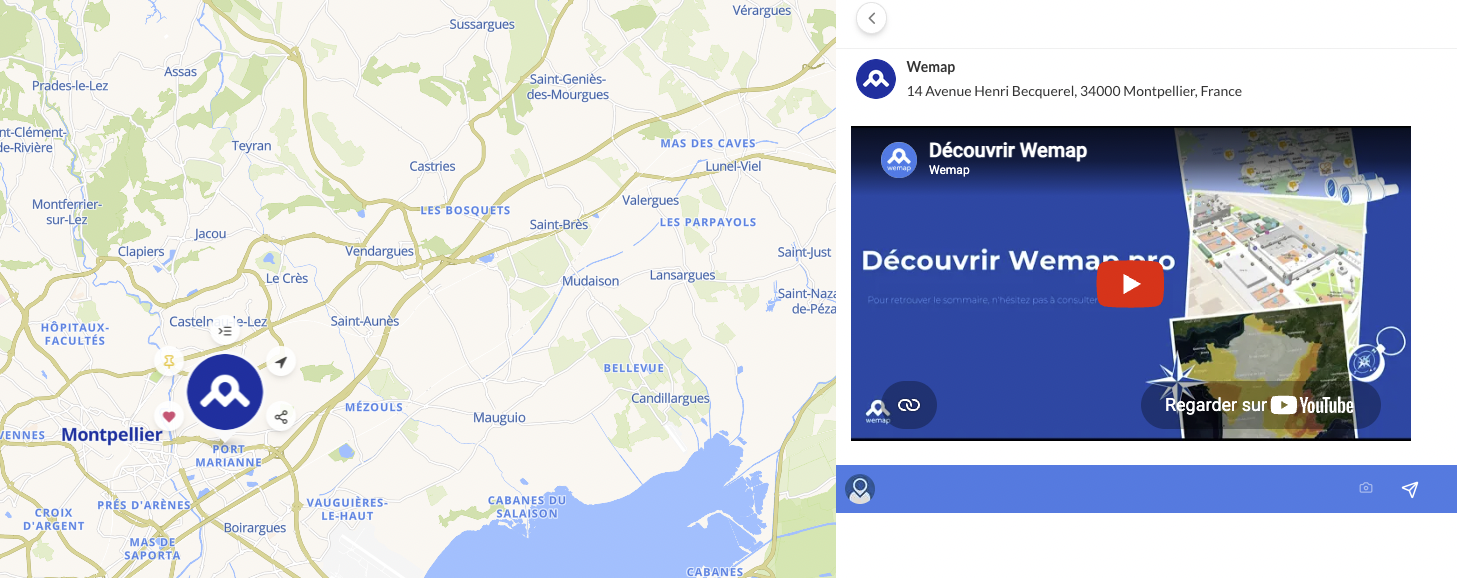
Add a video via an iframe / embed code
- Retrieve / copy the iframe or embed code from the platform where the video is hosted
👉 The process may depend on the platforms but generally you can find the information by clicking on "Share", then on "Embed", "Iframe" and/or "Embed".
- Access your point on Wemap Pro: "Manage" > "My points" or "Manage" > "My lists" > Find your point
- Select the point to which you want to add the video
- In "Description", click on the "< >" icon (corresponding to "View html")
- Paste the iframe / embed code
- Click on "Save"
The video then displays in the point description.