Create and manage a contributory map
📖 What is a contributive map?
A contributive map allows users to contribute to your map by publishing their own points directly from the livemap.
You then have the ability to manage and modify these points directly from the relevant list on Wemap Pro (see information below).
🔛 Activate the "Contributive Map" option on your map
- Access the "Map Content" menu
- Check the "Contributive Map" option
- Confirm your action by clicking on "Yes" in the pop-up that appears
Activating contribution creates a new list "Livemap Contributive Map (contributive)" where contribution pinpoints will be stored (you can rename it as you wish from "Manage" > "My lists"). This list is automatically associated with your map.
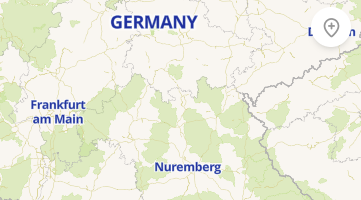
Once activated, a contribution button appears at the top right of the livemap.
⚙️ How a user contribution works
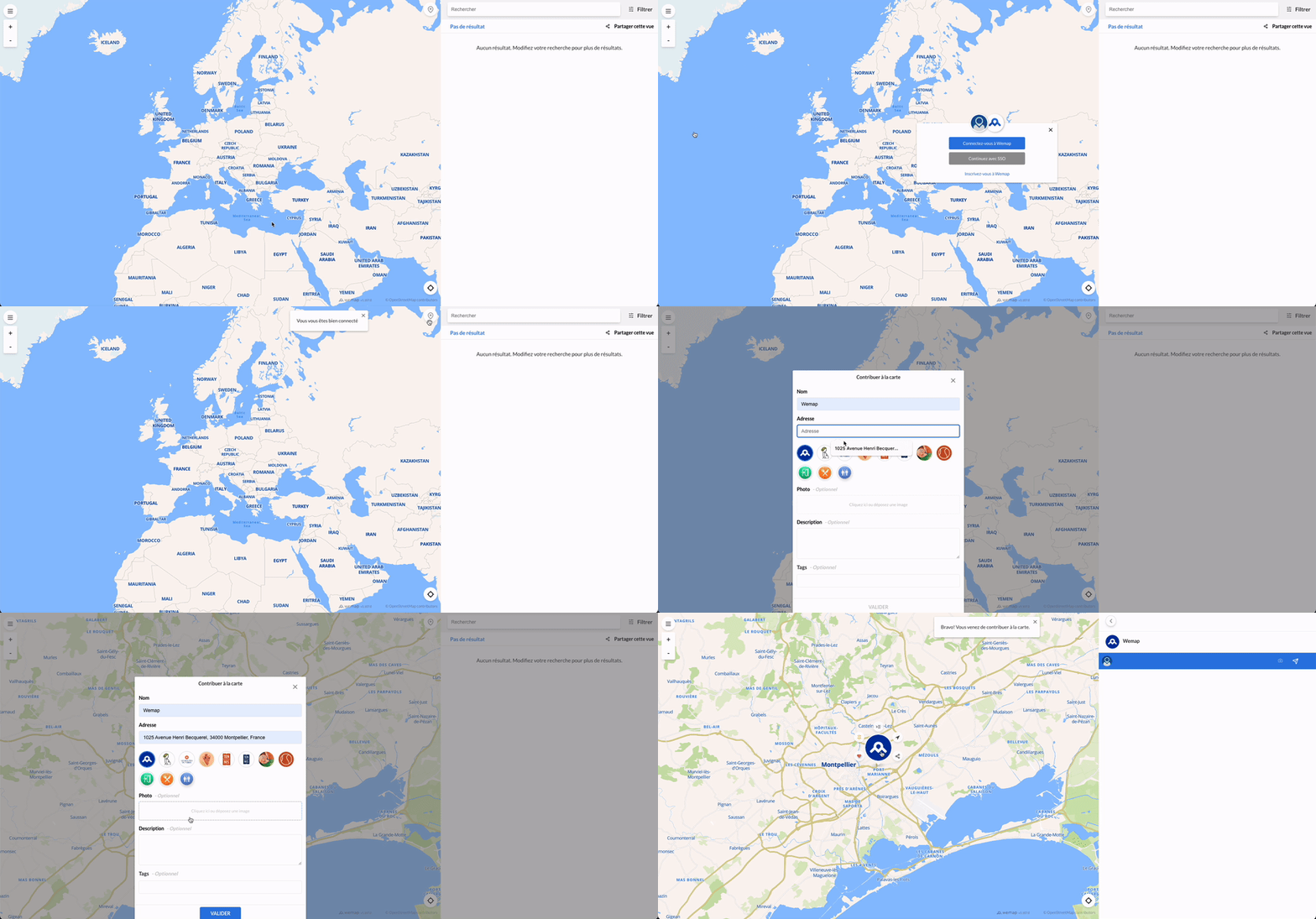
Log in to their Wemap Pro user account
To contribute a point, the user must be logged in to a Wemap Pro user account:
- Method 1 (recommended):
- Click on the burger menu at the top left of the map
- Select "Log in"
- Enter their credentials
- Create the POI to contribute
- Method 2:
- Create the POI to contribute by entering all the information
- Enter their credentials in the window that opens before validating the creation
To create the POI to contribute
- Click on the contribution button or perform a long click on the map
- Add a name to the point (mandatory)
- Fill in optional fields if desired:
- Icon: select an icon from those you have added to your account (only available when logged in beforehand: method 1)
- Photo
- Description
- Tags
- Click on "Validate"
The point then appears instantly in the list and therefore on the map.